Make your own Funko Pop

From one photo to a figure you can hold, in four steps. Tick each one off as you go.

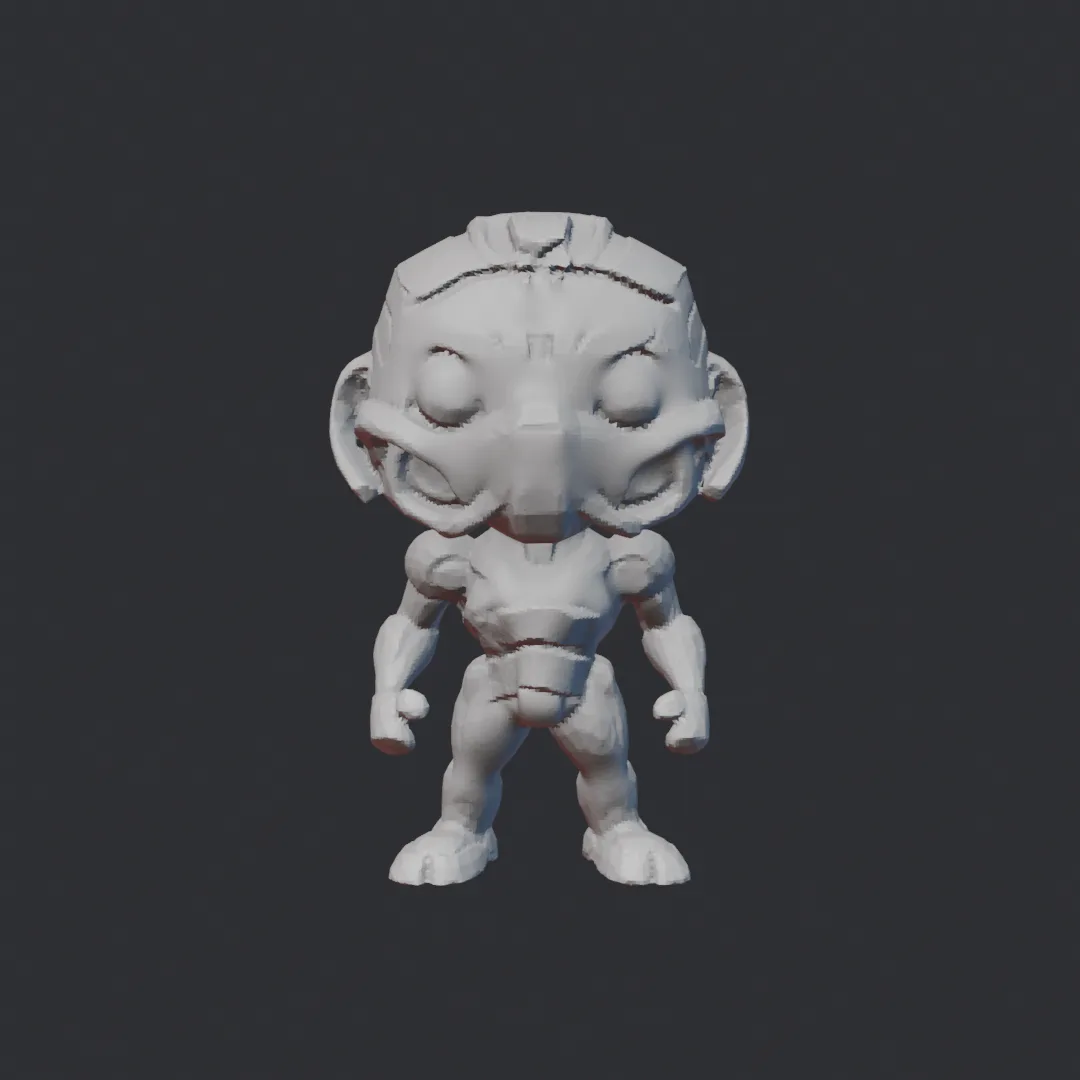
3D turntable
Drag to rotate
The cleaned-up model from step 3. Drag to spin it.
0 of 4 steps0%

Make it a Funko

ChatGPT

  1. Open ChatGPT and upload a photo: you, a pet, a figure on your desk.
  2. Paste this prompt and send it:
make this into a cartoon funkopop image with white background
  1. Download the image. The plain white background helps the next step.

A cartoon Funko-style figure on a white background

Turn it into 3D

TRELLIS on Hugging Face

  1. Open TRELLIS on Hugging Face in your browser. It is free; you may wait in a queue.
  2. Upload the image from step 1 and press Generate & Extract GLB.
  3. When the file shows up under Extracted GLB/Gaussian, download it.

Clean it up and add details

Blender (or any 3D software)

The model comes out as lumpy triangles. Here is the whole clean-up, sped up:

  1. Install Blender (free).
  2. File → Import → glTF 2.0 and pick the GLB.
  3. Switch to Sculpt Mode. Set the Remesh voxel size in the header (try 0.005; smaller keeps more detail) and press Ctrl+R. The triangle soup becomes one even surface.
  4. Use the Smooth brush (or hold Shift while sculpting) over the bumpy areas.
  5. Add details with Crease for lines and Clay Strips for plates.
  6. File → Export → STL.

Print it

A 3D printer

  1. Open the STL in the printer's slicer and scale it to the size you want.
  2. Turn on supports: the big head and arms overhang.
  3. At UT Austin? Texas Invention Works in the EER building has 3D printers. Check their site for who can use them and how.