Find anything Bluetooth

Lost earbuds, a controller, a speaker? If it's switched on, your phone can play hot and cold with it. Five steps. Tick each one off as you go.

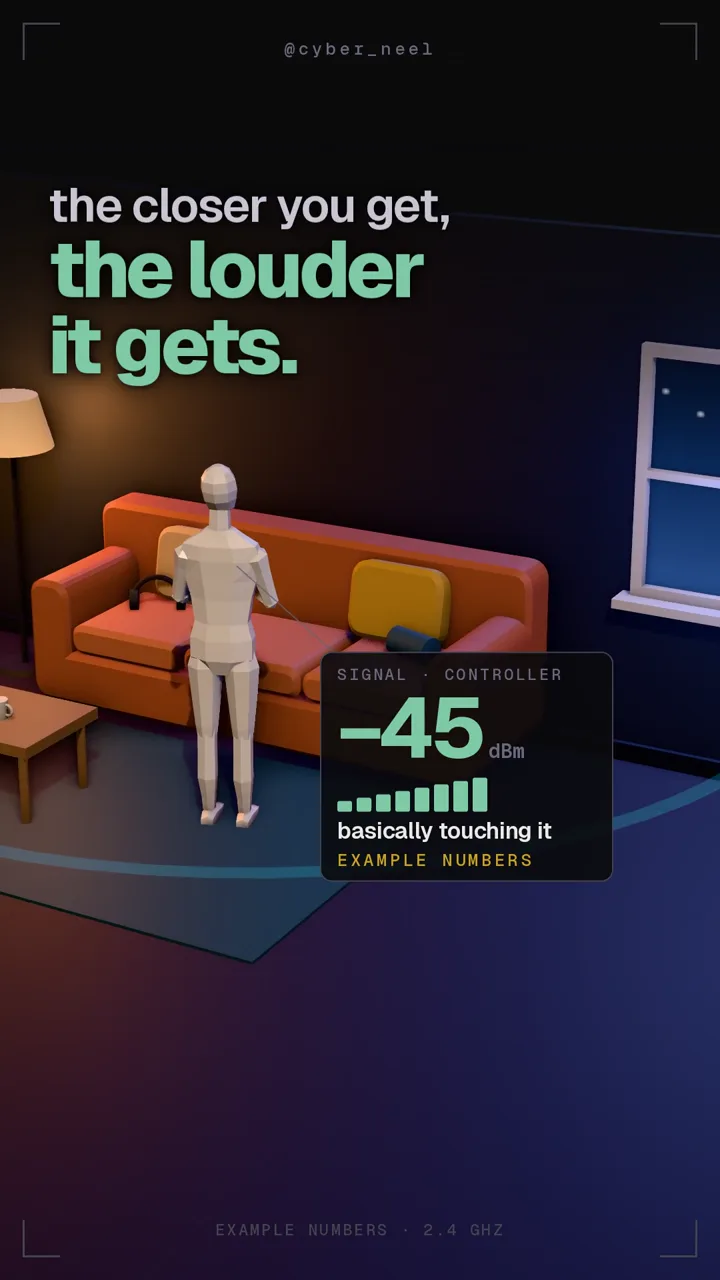
A low-poly figure next to a couch, with a scanner reading of −45 dBm

From the reel. Its numbers are examples; yours will vary.

0 of 5 steps0%

Get nRF Connect

Free, on iPhone and Android

A Bluetooth gadget that is switched on keeps calling out a few times a second, so phones can find it. nRF Connect is a free Bluetooth scanner: it lists every call it hears and how loud each one arrives.

  1. Install nRF Connect for Mobile from the App Store or Google Play. Any other free BLE scanner works the same way.
  2. Allow the Bluetooth permission it asks for. Android may call it Nearby devices or Location.
  3. Make sure the lost gadget is switched on and has some battery left. Off or dead, it stays silent.
Find your gadget in the list

The Scanner tab

  1. Open the Scanner tab and start a scan. Everything nearby that is calling out shows up, often dozens of entries.
  2. Look for your gadget's name, the same one your phone shows in Bluetooth settings. Ignore the unnamed rows.
  3. Not there? It may be off, out of battery, or connected to another phone or console. Some gadgets go quiet while connected. If it's connected to your phone, play a sound through it instead.

Watch the number

Signal strength, in dBm

The number in dBm on each row is how loud the call arrives. It is negative, and closer to zero means closer to you.

  • Around −80: across the room, or further.
  • Around −60: a few steps away.
  • −45 or higher: within arm's reach.

Treat these as a rough guide. A tiny earbud calls quieter than a speaker, and every room is different, so watch which way the number moves, not the exact value. It jumps around too: give it a second or two at each spot.

Walk the way it climbs

Hot and cold

  1. Take a few slow steps in one direction and wait for the number to settle.
  2. Climbing toward zero? Keep going. Dropping? Turn back and try another way.
  3. Once it's high, check under cushions, in bags and behind furniture.

Lost the direction? Use your body

The turn trick

Bluetooth uses the same 2.4 GHz radio band as a microwave oven, and microwaves heat water. You're mostly water, so your body soaks up the signal and the number drops when you stand between the phone and the gadget.

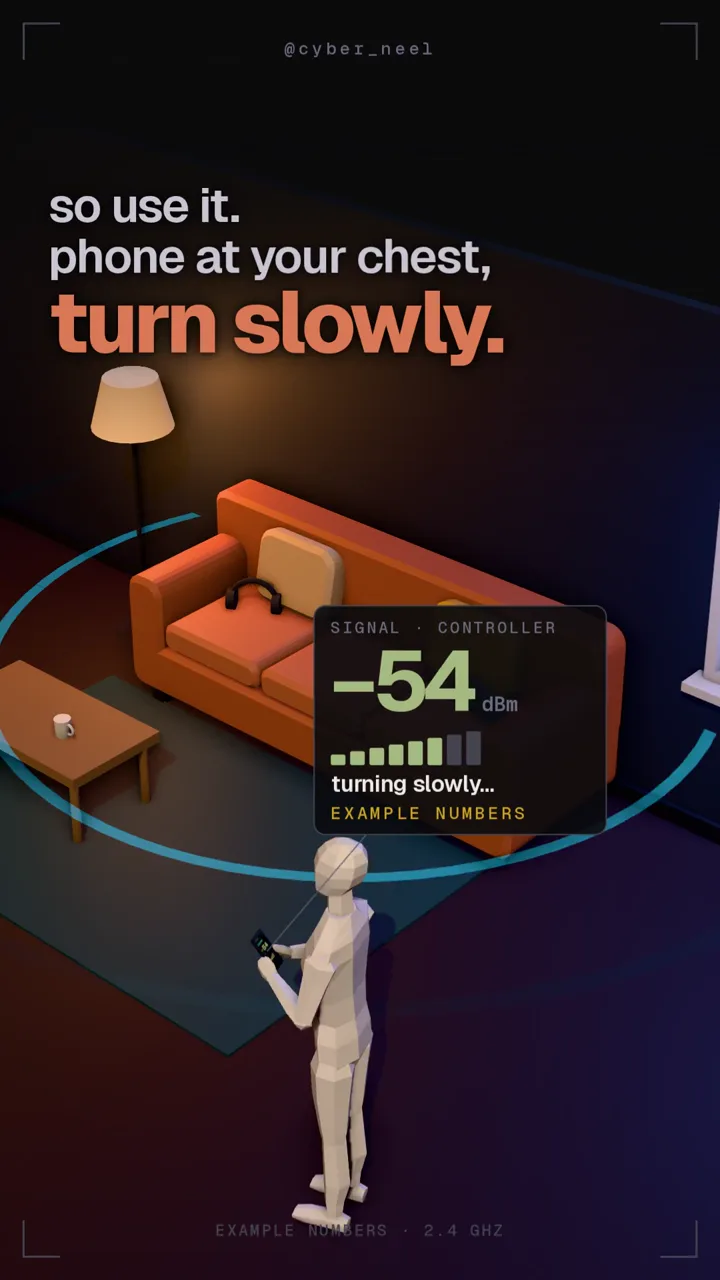
  1. Hold the phone flat against your chest.
  2. Stand still and turn slowly in a full circle, pausing every quarter turn.
  3. Where the number drops lowest, the gadget is right behind you. Turn around and walk that way.
A low-poly figure holding a phone at its chest, turning slowly in a living room