What is Dermalyze?
The Idea
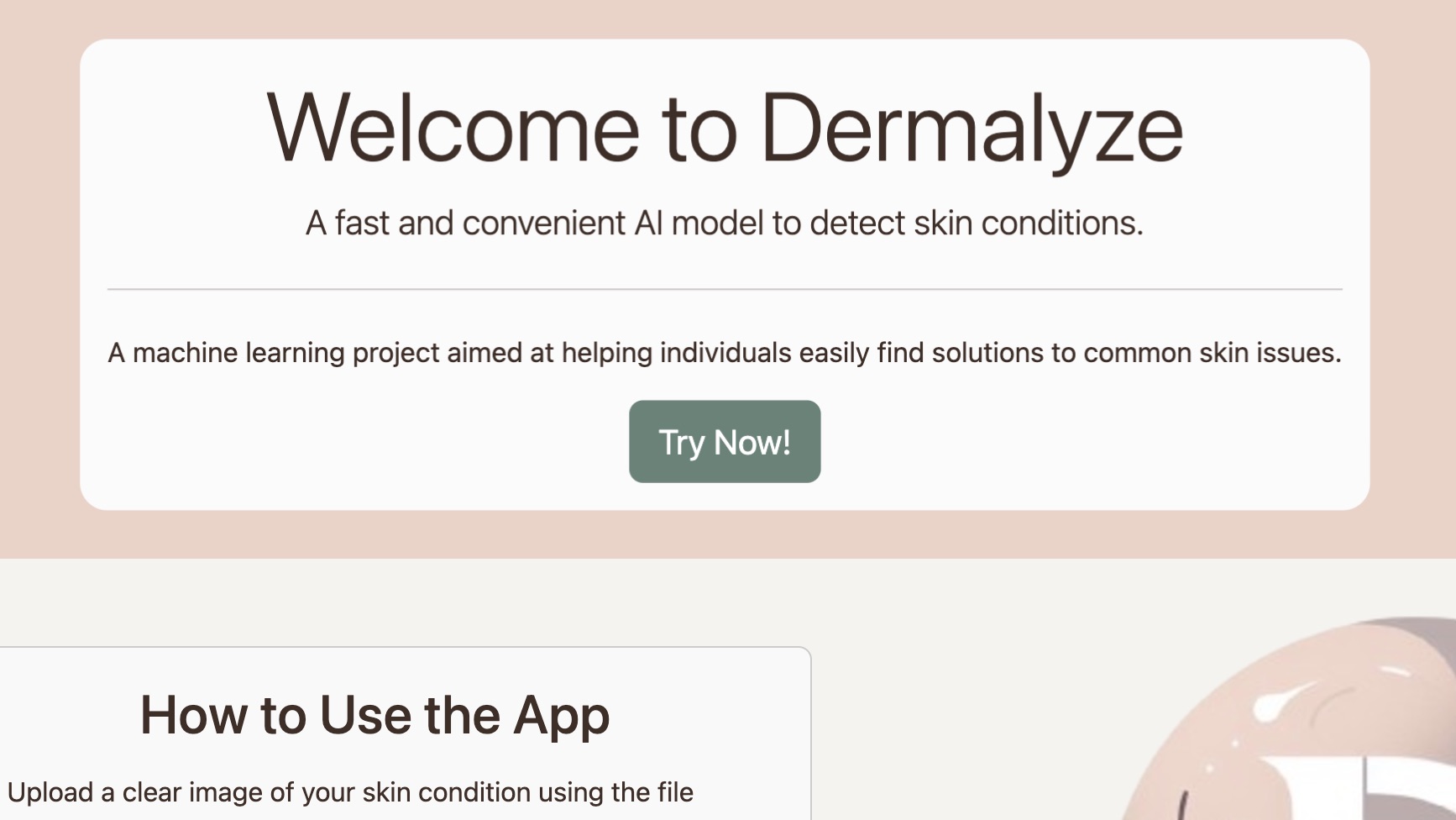
What if you could take a picture of your rash or patch of pimples and get an instant response with what it may be, along with standard treatments? This is what my friends, a couple of CS kids, and a Bio kid, and I asked ourselves when we wanted to hop onto the AI hype train and were looking for a project.
Well, Doesn't That Already Exist?
We realize we are not inventing something out of the ballpark, YET. During our initial research into this topic, the existing apps that we found had a few things about them that we did not like, but the two things we were focused on were:
- Cost: Most of the premium tools available out there had some cost associated with them in some way; most had either a subscription or an annoying experience filled with adverts.
- Bias: The few decent free options we did find for this use case were usually sponsored by some company and were only showing products for that company. This bias in the recommendations limits the user's choice and can lead to sub-optimal treatment outcomes.
- Features: Overall, they were still missing features such as providing common treatments and data on the skin condition.
Progress…
Streamlit Era
The prototype for this project was started on Jan. 1, 2024. The prototype used Streamlit, a tool that turns Python scripts into web apps, as our team had used it before to throw together a prototype for UNT's hackathon. This version of Dermalyze was pretty bare-bones.
Features:
- Image Input: We found an open-source model that could classify between 4 skin conditions.
Moving On
Making this prototype introduced us to many new tools, such as PyTorch and OpenCV. Although this prototype seemed to do its job, it was missing some of the main features we started this project. We wanted to add more conditions, a blog, and a tuned LLM that provides treatments we found in our research. That is when I decided that we should split from scratch as a team.
Learning PyTorch
My job in my team was to figure out the AI and the logistics associated with it. At first, I began learning ML through tutorials and learning Tensorflow, but I soon shifted to PyTorch as it had support for using GPUs on Windows machines on its latest version. I figured out that it was far more efficient to fine-tune a pre-trained model for a specific use case rather than train an entire model from scratch.
Using ResNet
After reading PyTorch's documentation, I found a way to tune ResNet models. After spending a lot of time tweaking the hyper-parameters, parameters that specify a model's learning behavior, I got about 80% accuracy among four classifications: acne, eczema, psoriasis, and moles/melanoma.
ONNX
Once I got the hang of PyTorch and had a model ready, I needed a way to run it in a browser environment so anyone could go to the website and try the AI for free. This is when I found the ONNX format, which stands for Open Neural Network Exchange. This tool was beneficial because of a runtime library developed by Microsoft that allows any ONNX model to be used in environments such as browsers. It took some tinkering to convert the fine-tuned model into the proper ONNX format that supported all the types of PyTorch layers the model was using, but once I had an ONNX file, I began working on the first website.
Github Pages
Github has a feature called Pages that allows anyone to host a static website for free. This seemed like an excellent way to create the first iteration of our website. We quickly got the ONNX script running, but there was a problem.
Pre-Processing
Although the model could run in the browser, there wasn't a quick way to run pre-processing operations on the images going into the model. There was a way to turn it into a matrix, but applying filters such as blur, tinting, and any other effects beyond cropping wasn't possible.
The Canvas Element
After looking at many ways to pre-process images in the browser, I found the Canvas element. This was the most simple way to show an image on the screen with the added benefit of begin able to programmatically edit the image. Once the image is edited, I was able to use the getImageData function to get the pixel data and send it to the model.
What's Next?
This project has taight me a lot of new things from PyTorch to ONNX to the Canvas element. There are some things I would like to add to the project, such as detection for more conditions and the ability to classify an image as "other". Another feature I plan on adding is filtering the input image for better results for oconditions that are more visible with certain filters. Even with filtering images, some conditions may look too similar. To address this, I want to create some form of a questionnaire that can help the model make a more accurate prediction.
I hope you enjoyed reading about my project. If you have any questions or would like to collaborate, feel free to reach out to me using the contact form and make sure to try out Dermalyze!

